Four modes, one bar.
Dictate, Clean, Translate and Command sit on the floating bar above your apps. Clean, Translate and Command work on text you select.
 SayventoSign in
 This email link could not be verified.
If you have already confirmed your email, request a new password link to finish setting up your Sayvento account or reset your password. Open the latest email in the browser where you requested it.
Need help with your account? Contact hello@sayvento.com.
Capture the thought. Make it sound like you. Keep it close.
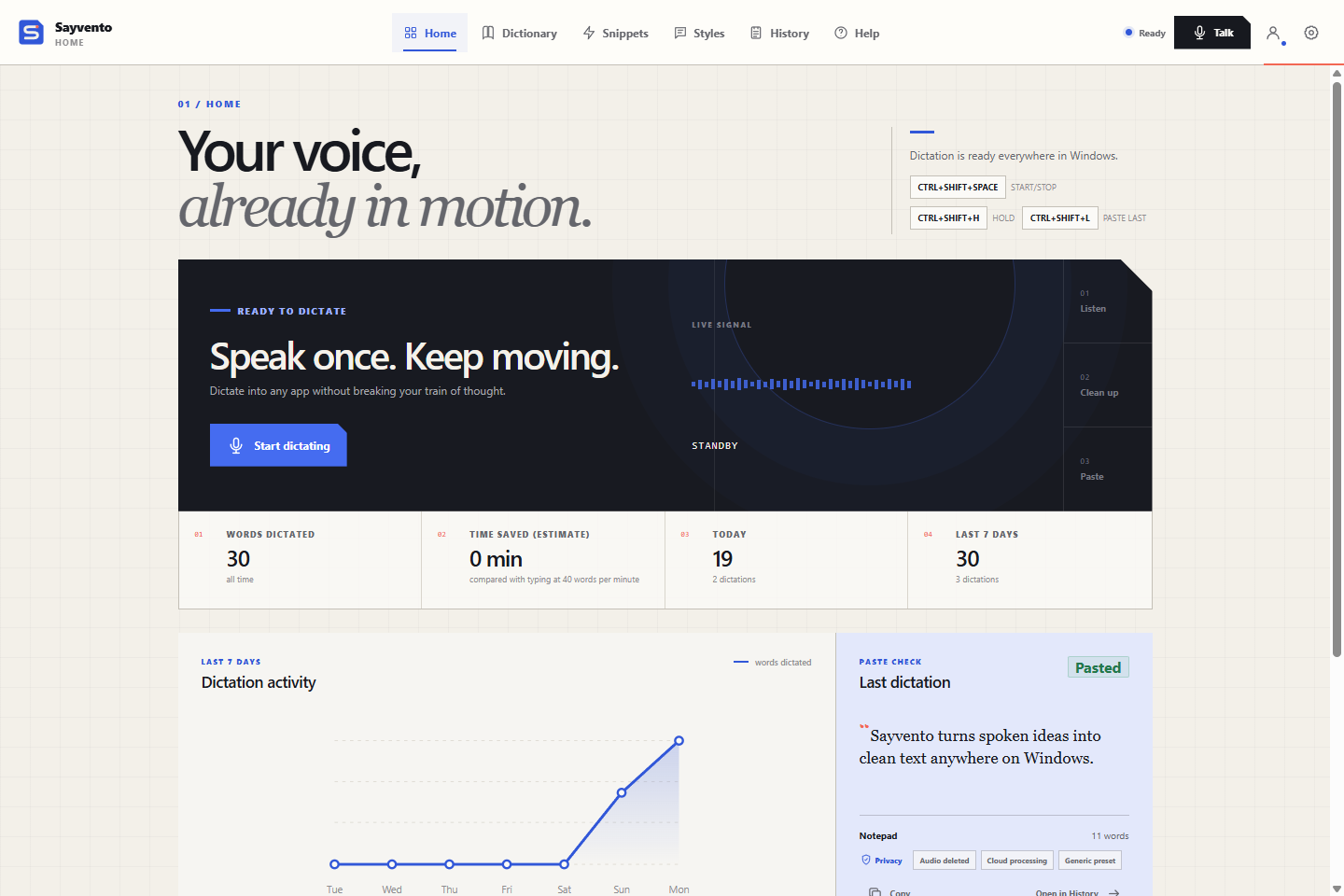
Your dictation shortcuts, words dictated, recent activity and the latest result. Ready when the next thought arrives.
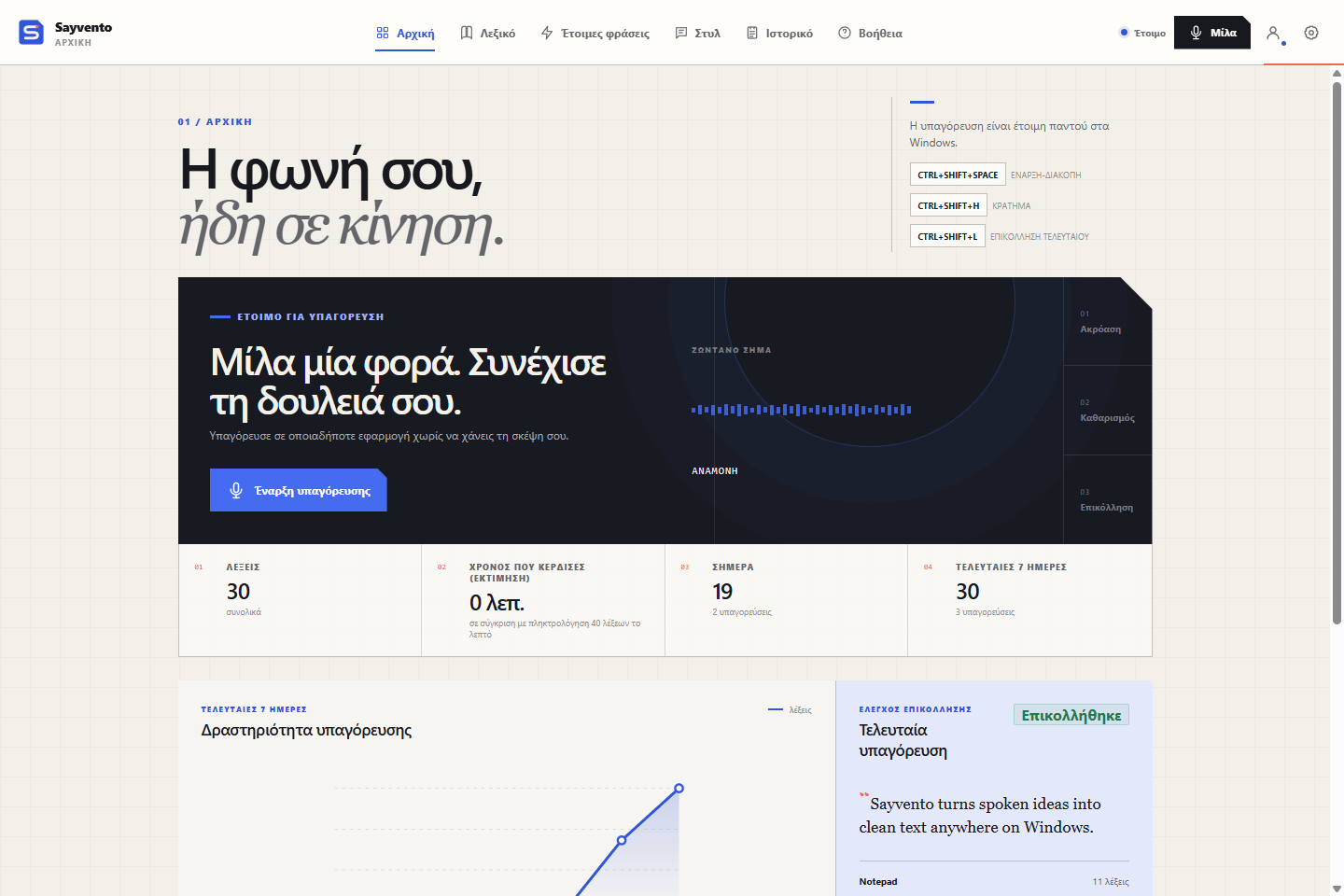
Sayvento is built for people who write in Greek and English, often in the same sentence. The whole app is available in Greek, and dictation reaches well beyond two languages.
Dictation languages: Albanian, Arabic, Bulgarian, Chinese, Czech, Danish, Dutch, English, Finnish, French, German, Greek, Hebrew, Hindi, Hungarian, Italian, Japanese, Korean, Norwegian, Polish, Portuguese, Romanian, Russian, Serbian, Spanish, Swedish, Turkish, Ukrainian.
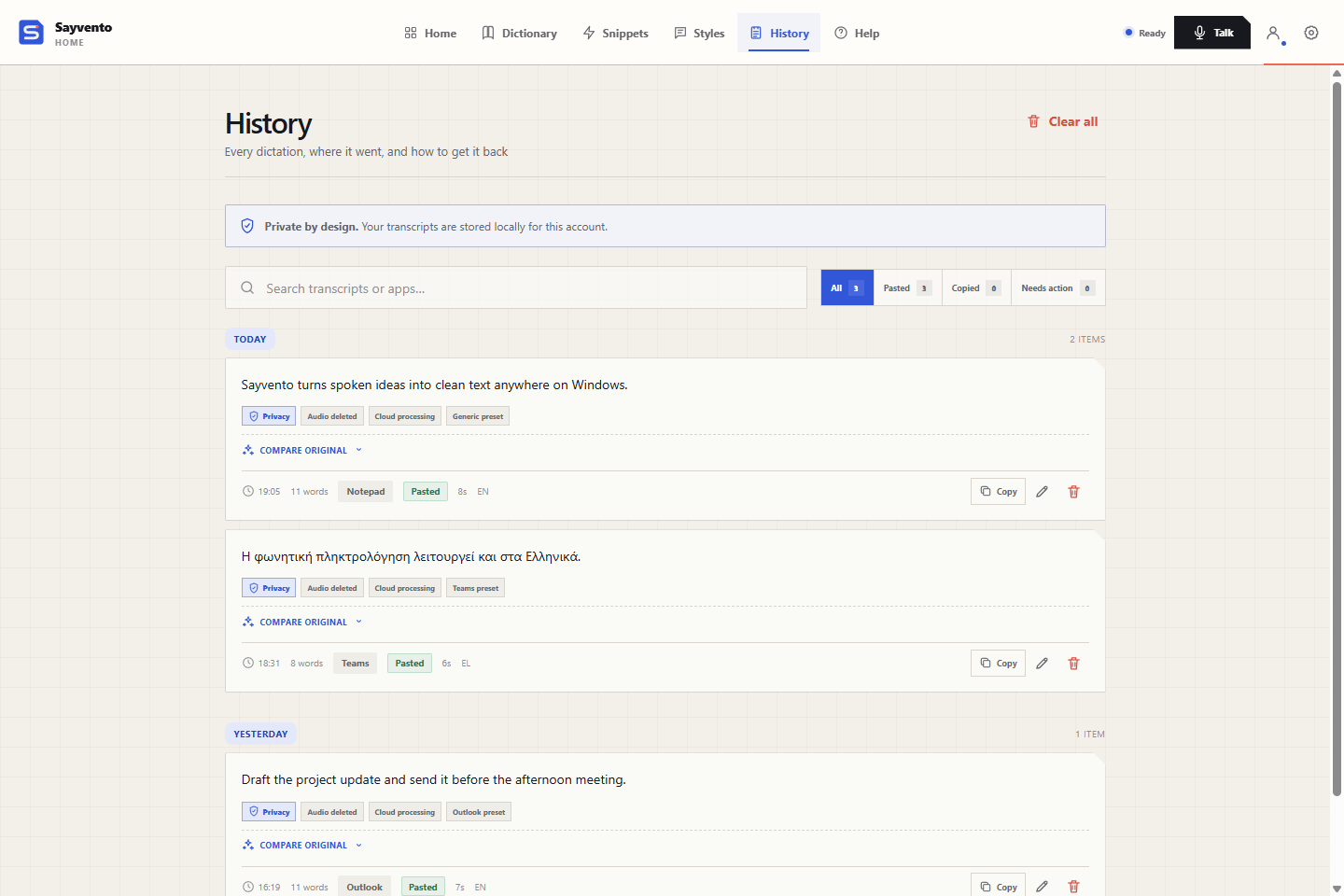
A good thought deserves more than one chance. History keeps your transcripts on your computer, ready to search, review and use again.
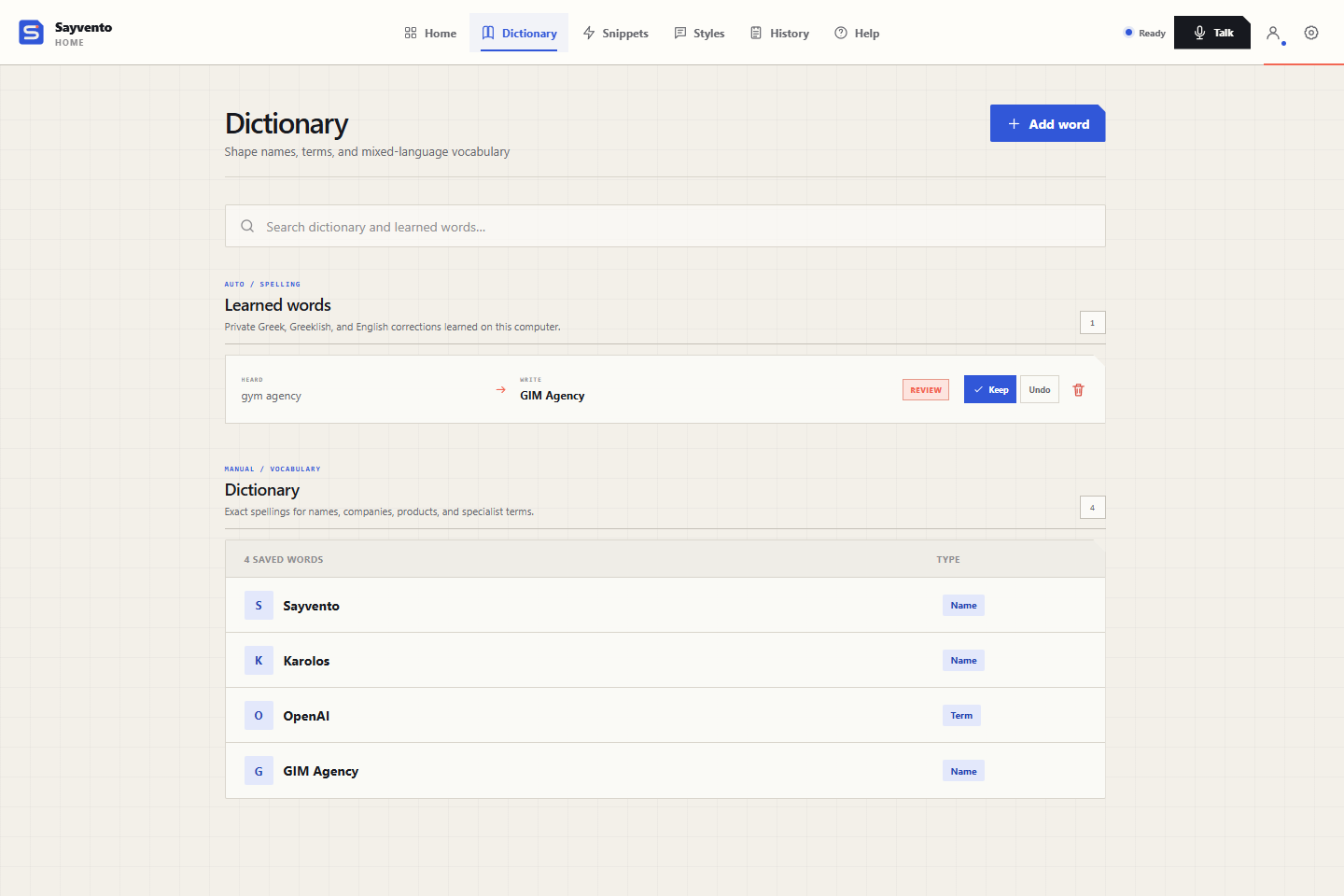
People, projects, products and specialist terms. Give Sayvento the spellings you want to keep, including when you switch between Greek and English.
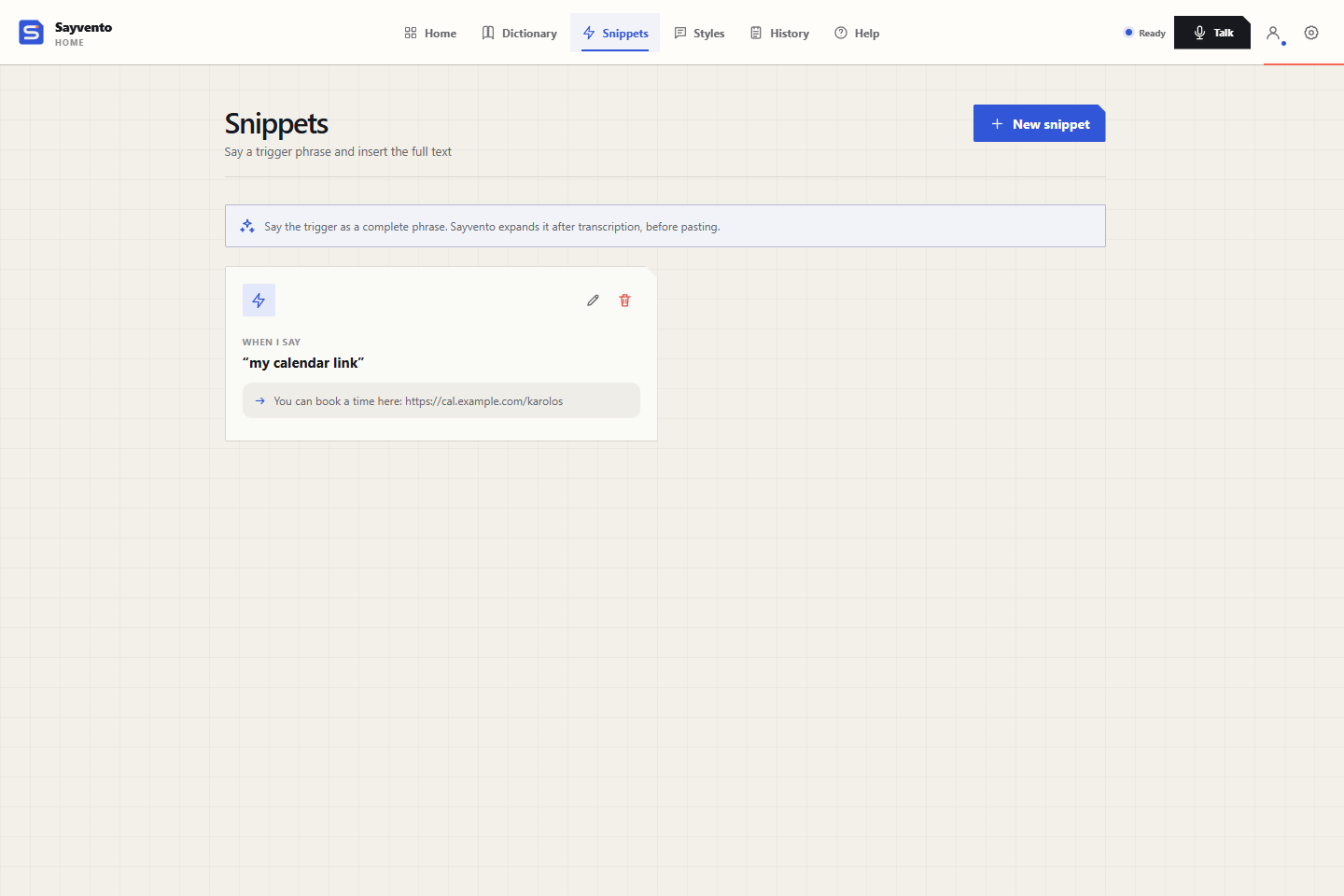
Your calendar link. A familiar sign-off. The reply you type every day. Save it once and give it a spoken trigger.
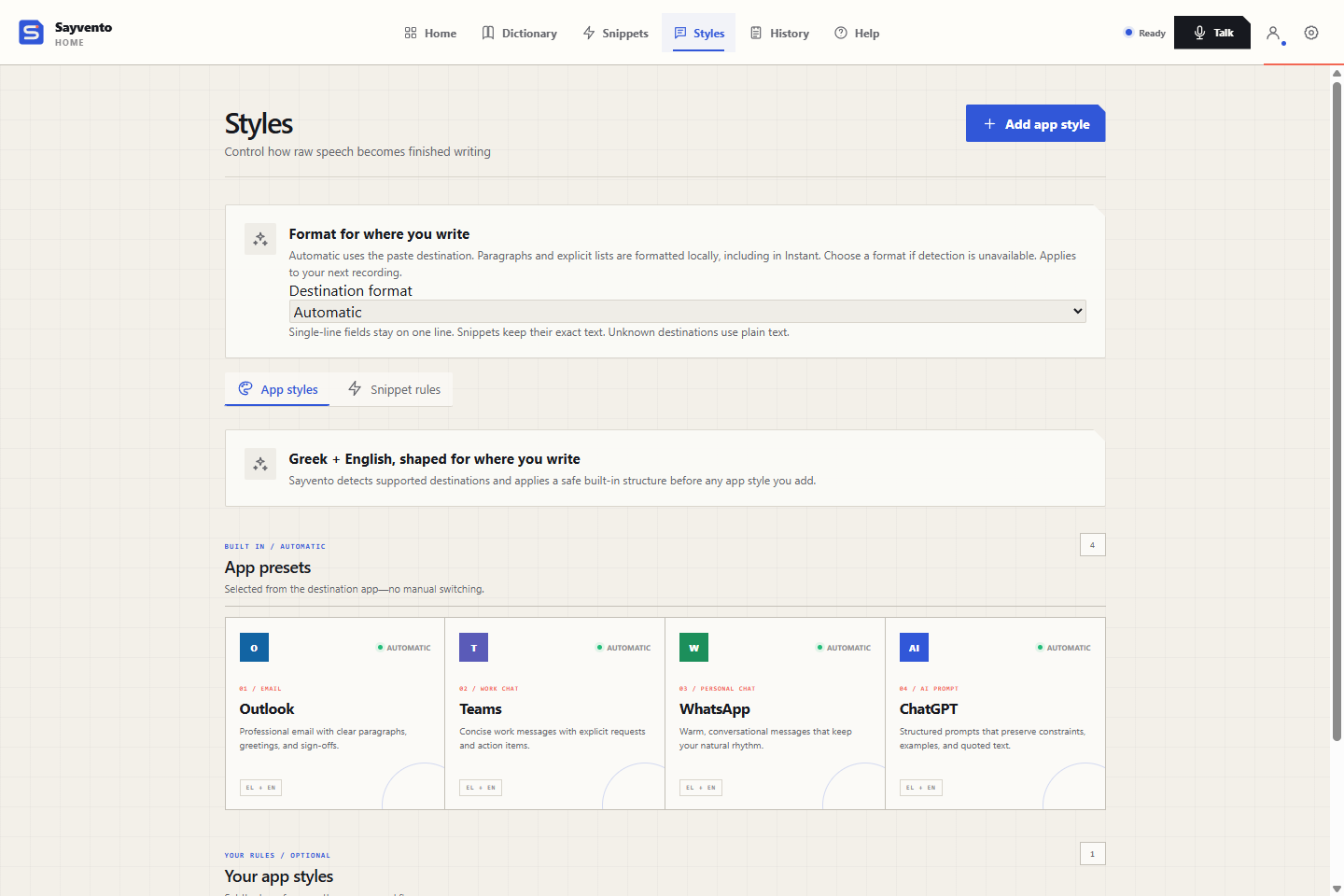
An email needs room to breathe. A chat can get to the point. Optional cleanup and destination formatting shape your words for where they are going.
Dictate, Clean, Translate and Command sit on the floating bar above your apps. Clean, Translate and Command work on text you select.
Select text and say it in your own words: “make it friendlier”, “translate it to Turkish”. Quick built-in commands make text shorter, an email or bullet points.
A notes panel from the floating bar or the tray. While it is open, dictation goes there instead of another app. Its text is kept in memory only.
If a transcription fails, the recording stays in memory for 10 minutes. Retry from the floating bar or the tray. It is never written to disk.
Restore clipboard after paste is on by default: what you had copied comes back after a successful paste.
Optional AI cleanup has a time limit. If it runs long, your transcript is pasted without it.
Esc cancels a recording. Use F1–F24 on their own, like holding F8 to talk. Optional Command and Translate shortcuts.
If a local check finds only silence or steady noise, the recording is discarded with the error “No usable audio detected”. Nothing is sent to AI, pasted or saved.
Export and import your Dictionary, Snippets, App styles and Learned words. Import only adds what is missing.
Your History, Dictionary, Snippets and Learned words stay in your Windows profile. Scratchpad text and a failed recording waiting for retry are kept in memory only. Transcription and optional cleanup use cloud processing and require an internet connection.
Read how your data is handled ↗Start with 3,500 words a week, free. Create your account and confirm your email.