Say what to change.
Select text and say “make it friendlier” or “translate it to Turkish”. Quick built-in commands make text shorter, turn it into an email or bullet points, or translate it.
 SayventoSign in
 This email link could not be verified.
If you have already confirmed your email, request a new password link to finish setting up your Sayvento account or reset your password. Open the latest email in the browser where you requested it.
Need help with your account? Contact hello@sayvento.com.
The thought is yours.
Let your voice do the typing.
From a quick reply to a first draft. Speak in Greek, English, or both in the same sentence. Sayvento turns your voice into text, right where you work.
Windows 10 / 11 · Greek + English · No card required
YOUR WORDS, WHERE YOU WORK
The default Greek + English mode detects both languages, even when you switch mid-sentence. The app speaks Greek too: choose Ελληνικά for menus, messages and Help, separately from the language you dictate in.
Dictating in another language? Choose Any language to detect it automatically, or pick one of 28 dictation languages. Selected text can be translated into any of them.
Languages and the Greek interface ↗Select text and say “make it friendlier” or “translate it to Turkish”. Quick built-in commands make text shorter, turn it into an email or bullet points, or translate it.
Open a notes panel from the floating bar or the tray. While it is open, dictation lands there instead of in another app. Kept in memory only.
If a transcription fails, the recording stays in memory for 10 minutes so you can retry from the floating bar or the tray. It is never written to disk.
After a successful paste, Sayvento restores what you had copied. On by default, with a switch in Settings.
Press Esc to cancel a recording. Use a function key on its own, like holding F8 to talk, or a mouse button. Optional Command and Translate shortcuts.
Export your Dictionary, Snippets, App styles and Learned words to one file and import them on another computer. Export History as Markdown or CSV.
Your words, your vocabulary, your way of writing. All in one focused Windows app.
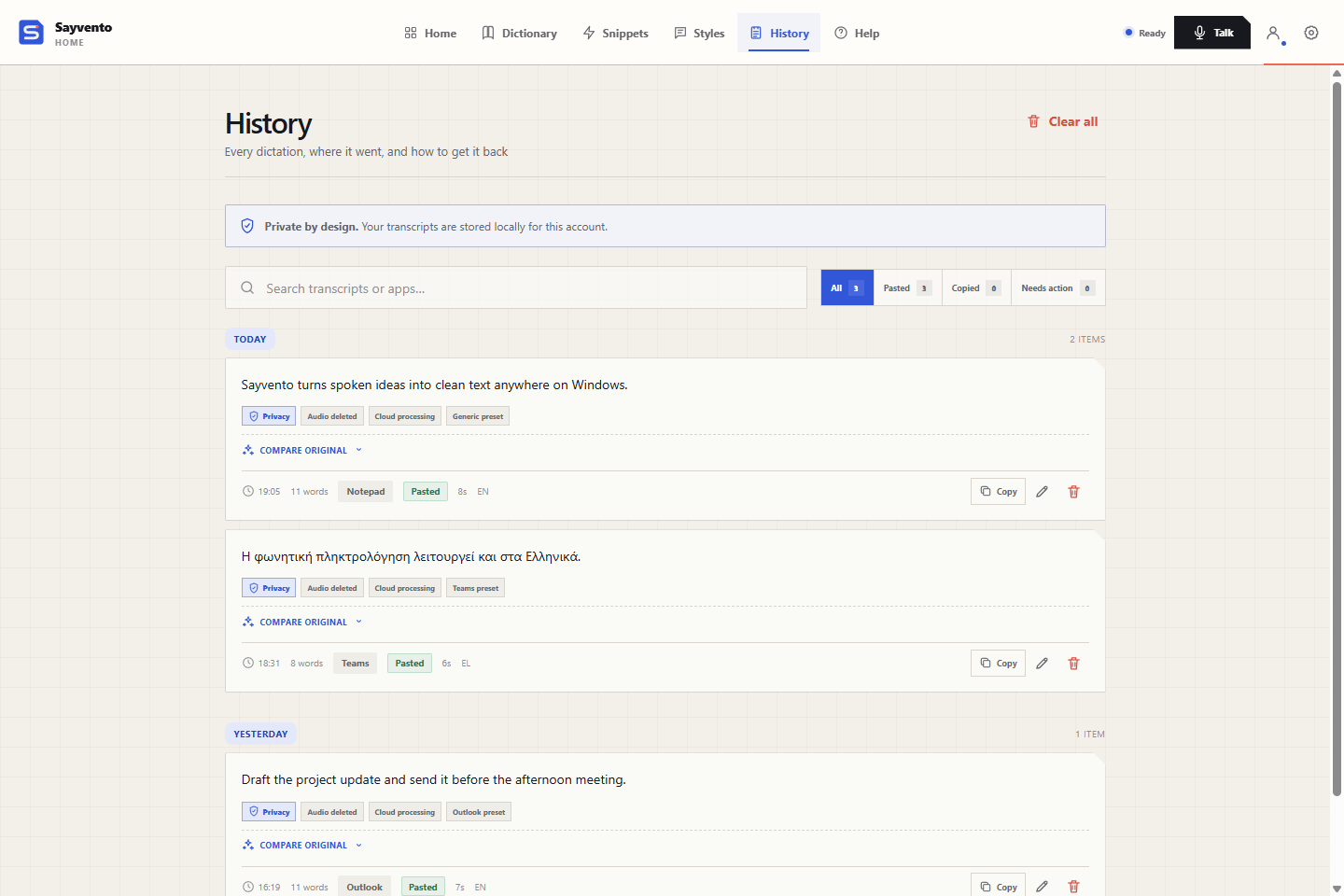
Search past transcripts, compare the original and copy a result when you need it again.
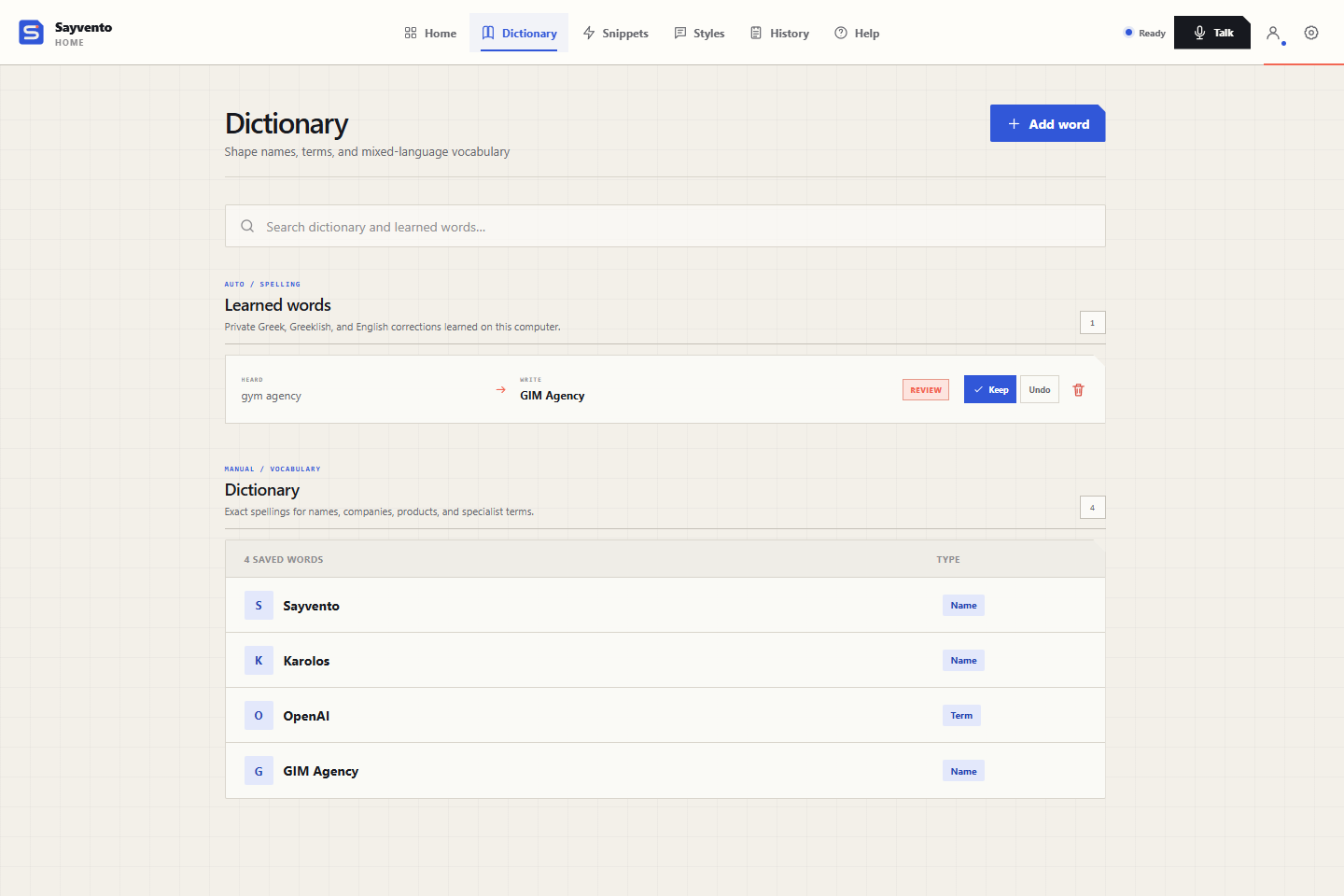
↗02 / DICTIONARYSave preferred spellings and review the corrections Sayvento keeps as Learned words.
↗03 / STYLESShape a work email, a chat or an AI prompt with optional cleanup and app styles.
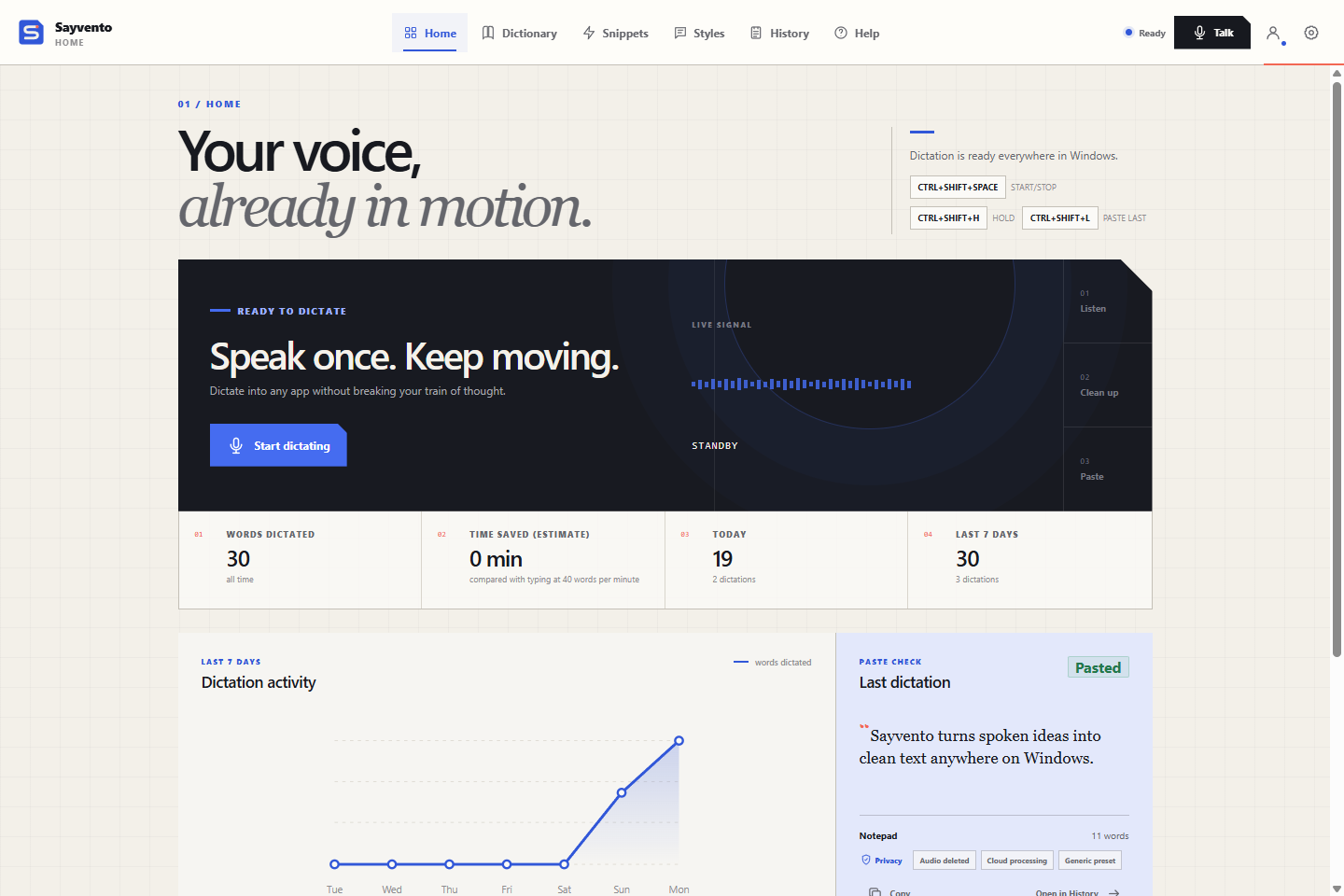
↗Your shortcuts, recent dictation activity, a time-saved estimate and your latest result.
Every dictation, where it went and how to get it back. Search, compare the original and copy again.
Names and specialist terms in Greek and English, plus learned words you can keep or undo.
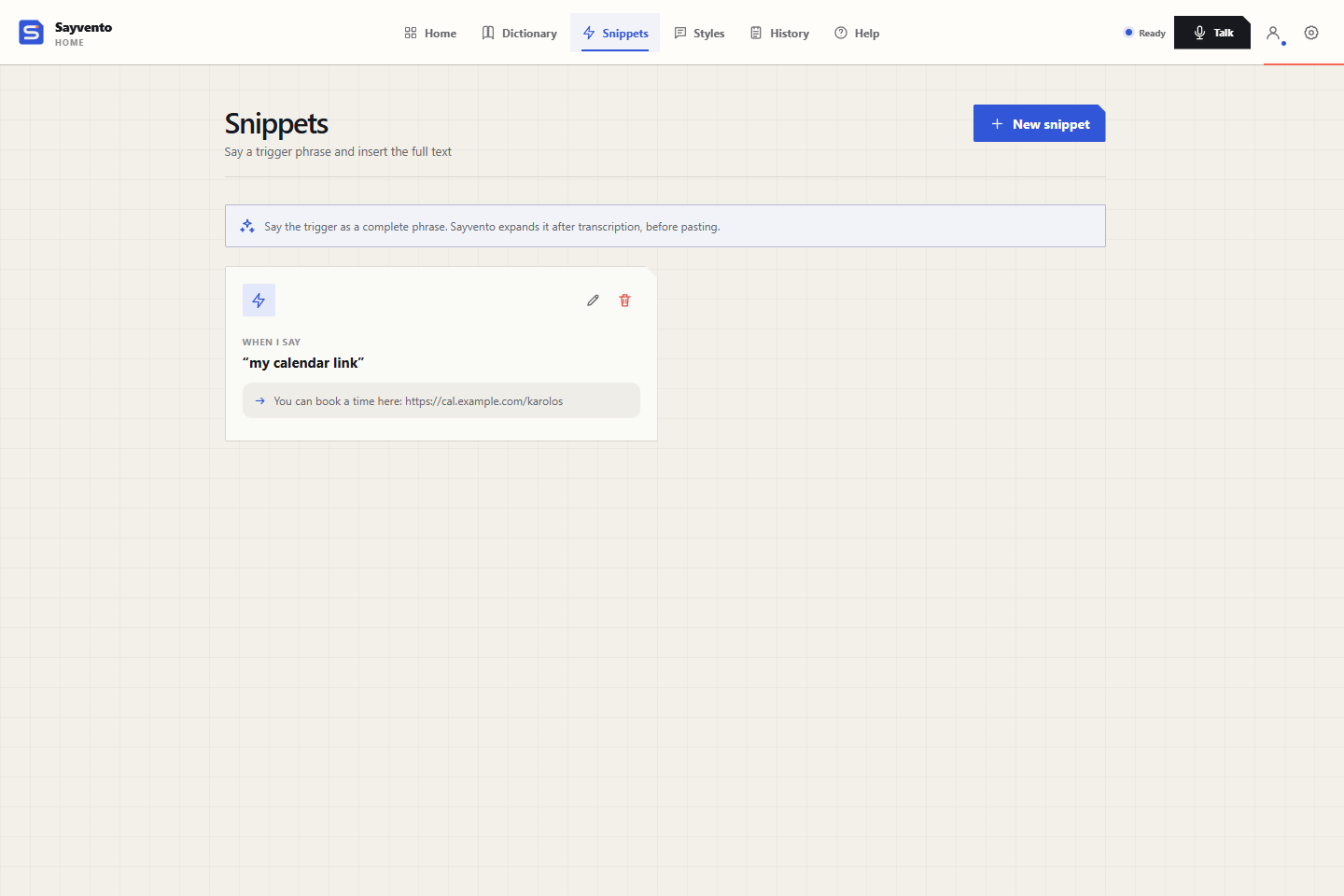
Give the things you repeat a short spoken trigger.
Destination formatting, app presets and your own app styles, for the way you write.
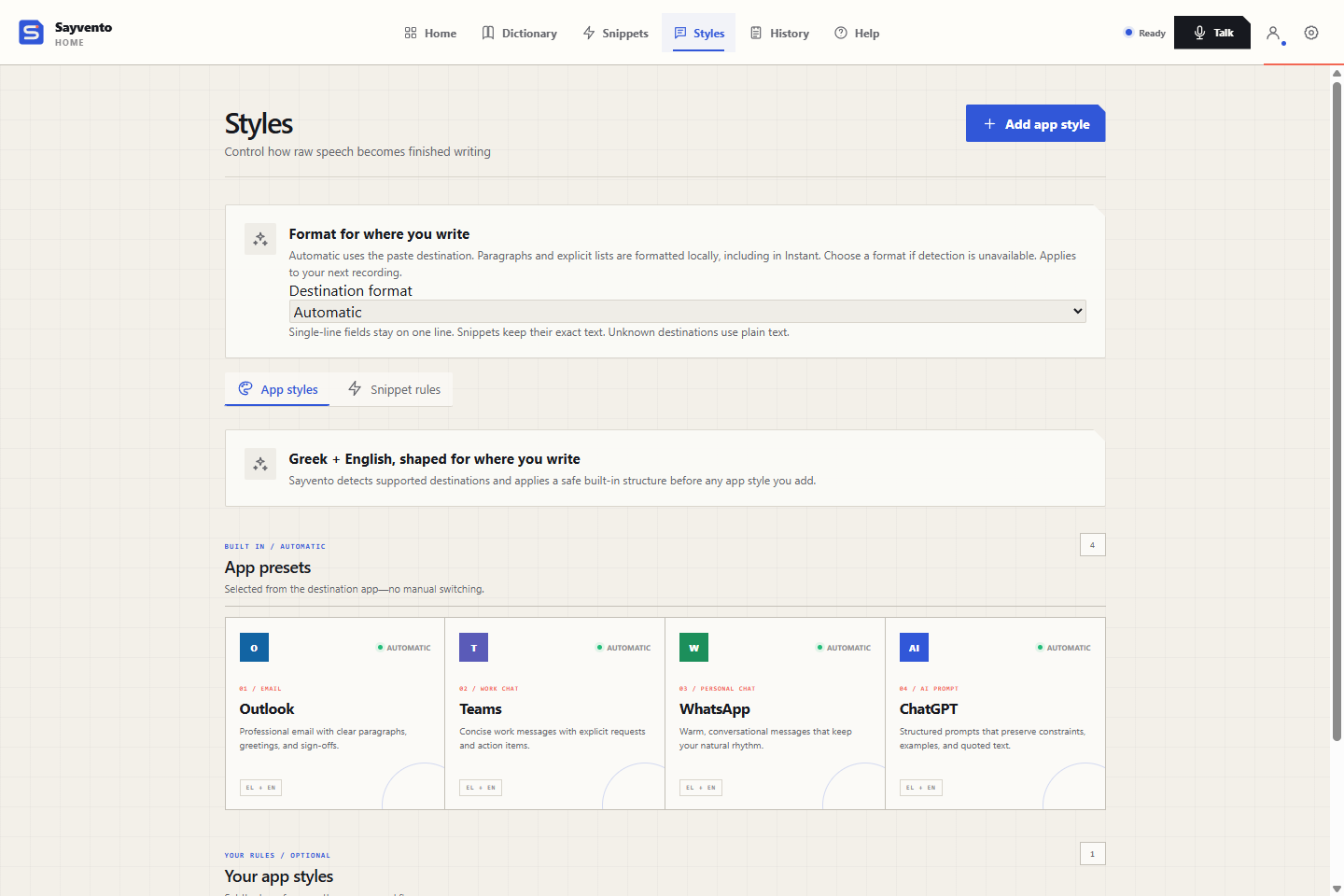
Press your shortcut from the Windows app you’re using. Say what you mean, stop recording, and Sayvento transcribes it and pastes it into the app you are working in.
Changed your mind? Press Esc to cancel. If a paste needs attention, your transcript is waiting in History.
See the full workflow ↗Sayvento prepares your transcription while you speak. Choose Instant for direct transcription, or add optional cleanup when you want a more polished result. If cleanup runs long, your transcript is pasted without it.
Built-in Help, in the interface language you choose, covers microphone troubleshooting, shortcuts and paste recovery. Your History stays separate for each account on this computer.
Get the latest version ↓Start with 3,500 words a week, free. Create your account and confirm your email.